Installation
Requirements
GeoFacetMakie.jl requires:
Julia ≥ 1.10 - Download from julialang.org
A Makie backend - Choose one based on your needs
Installing GeoFacetMakie.jl
From the Julia Package Registry
using Pkg
Pkg.add("GeoFacetMakie")
Development Version
To install the latest development version:
using Pkg
Pkg.add(url="https://github.com/arnold-c/GeoFacetMakie.jl")
Installing a Makie Backend
GeoFacetMakie.jl requires a Makie backend for rendering plots. For more information about Makie backends, please read the Makie documentation, but briefly, you can choose one of the following:
CairoMakie.jl (Recommended for most users)
Best for static plots, publications, and file output:
Pkg.add("CairoMakie")Pros:
High-quality static output (PNG, PDF, SVG)
Excellent for publications and reports
Fast rendering for static plots
No display dependencies
Cons:
No interactivity
Requires system graphics libraries
GLMakie.jl
Best for interactive exploration and development:
Pkg.add("GLMakie")Pros:
Full interactivity (zoom, pan, rotate)
Real-time plot updates
Great for data exploration
Hardware-accelerated rendering
Cons:
Requires OpenGL support
May have display issues on some systems
Larger memory footprint
WGLMakie.jl
Best for web applications and Jupyter notebooks:
Pkg.add("WGLMakie")Pros:
Works in web browsers
Great for Jupyter/Pluto notebooks
No local display requirements
Interactive in web contexts
Cons:
Requires web browser
Limited to web environments
May have performance limitations
Verification
Test your installation:
using GeoFacetMakie
using CairoMakie  # or GLMakie, WGLMakie

# Create a simple test plot
using DataFrames
test_data = DataFrame(state = ["CA", "TX"], value = [1, 2])

fig = geofacet(
    test_data, :state,
    # note you can use a named plotting function instead
    # of an anonymous one. User function must contain the
    # kwarg `missing_regions`
    (gl, data; missing_regions, kwargs...) -> begin
        ax = Axis(gl[1, 1]; kwargs...)
        barplot!(ax, [1], data.value)
        ax.title = data.state[1]
    end;
    func_kwargs = (missing_regions = :empty,)
)
fig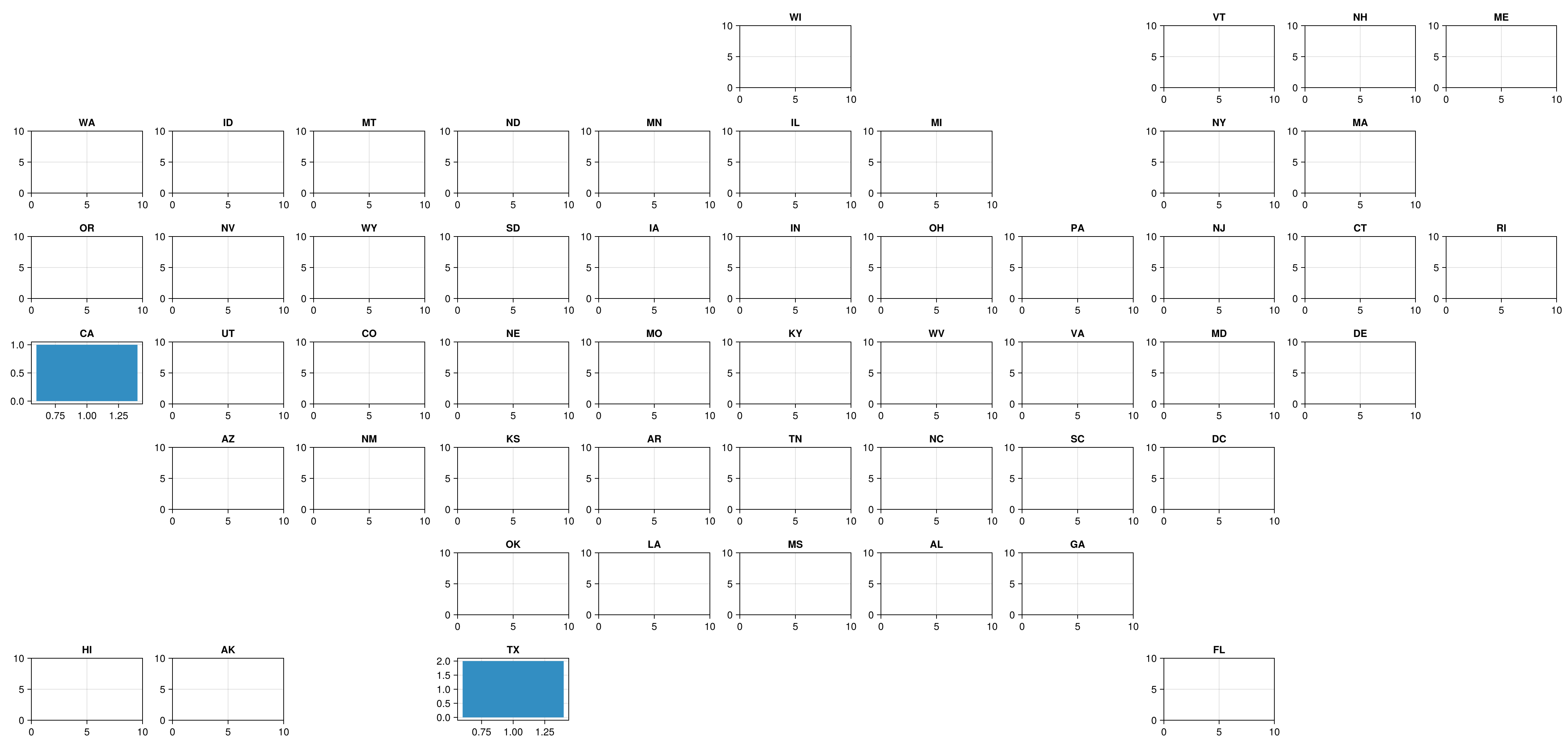
If this runs without errors, your installation is successful!
Troubleshooting
Common Issues
"Package not found" error
Make sure you're using Julia ≥ 1.10:
versioninfo()Backend-related errors
Ensure you have a Makie backend installed and loaded:
using CairoMakie # or your chosen backendGraphics/display issues
For CairoMakie on Linux, you may need system graphics libraries:
# Ubuntu/Debian
sudo apt-get install libcairo2-dev libpango1.0-dev

# CentOS/RHEL
sudo yum install cairo-devel pango-devel
Getting Help
If you encounter issues:
Search existing issues
Create a new issue with:
Julia version (
versioninfo())Package versions (
Pkg.status())Minimal reproducible example
Error messages and stack traces
Next Steps
Quick Start Guide - Get up and running quickly
Basic Usage Tutorial - Learn the fundamentals